
For flyers and posters
Style guide
Logos
Place logos on a light background with some space around them.

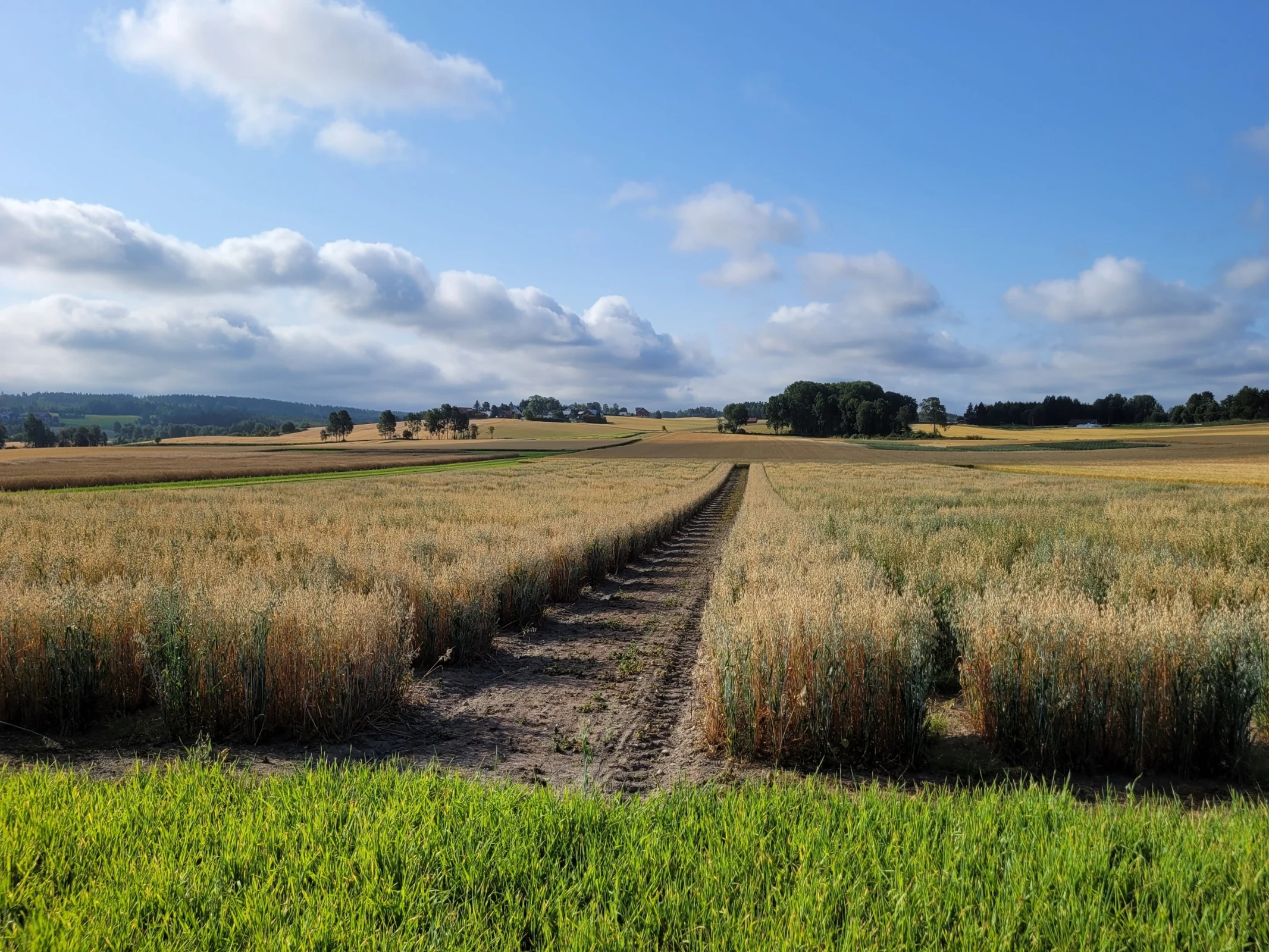
Front page photo
The photo at the top of the home page. Organisers can change it in the admin under General info.
Colours
Click a code to copy it, and give it to your designer or printer.
Nofima blue
Main colour: headings, buttons, dark backgrounds
Nofima green
Main colour: highlights
Nofima orange
Use sparingly
Nofima red
Use sparingly
Nofima grey
Use sparingly
Fonts
Use Avenir Next Pro: light for big headings, regular for text and demi for small headings. Use Arial in Office files others will edit.
Avenir Next Pro
Nofima's font for everything, in print and on screen
Oats for food, health and a resilient food system
Get it from Nofima's profile handbookNunito Sans
Free look-alike, used on this website where Avenir isn't installed
Oats for food, health and a resilient food system
Download Nunito SansArial
For Word and PowerPoint files you share
Oats for food, health and a resilient food system
Already on every computer.